As of version [0.5.3](https://github.com/alonswartz/notesium/blob/master/CHANGELOG.md#053), the `web/graph` has been rewritten and implemented
in `web/app`, with all of same features (except cluster settings and
darkmode), has tighter integration, and additional improvements.
This graph implemention is backwards compatible, and is especially
useful for Vim users who don't need the additional features, but instead
just want a way to view the graph via a single `keybind` and have
optionally configured the `notesium://` [URI protocol](#custom-uri-protocol) handler for the
edit links available in the note preview side pane.
## Table of contents
- [Features](#features)
- [Screenshots](#screenshots)
- [Download](#download)
- [CLI](#cli)
- [Vim](#vim)
## Features
- Visual overview of notes structure with a force graph view.
- Cluster nodes based on links, inferred from titles or creation date.
- Adjust node size dynamically based on bi-directional link count.
- Emphasize nodes and their links using search filter or node click.
- Preview notes in a side panel. Open for editing via `notesium://` link.
- Tweak forces such as repel force, collide radius, and strength.
- Drag, pan, or zoom the graph for a better view or focus.
- Customize label visibility or automatically scale per zoom level.
## Screenshots
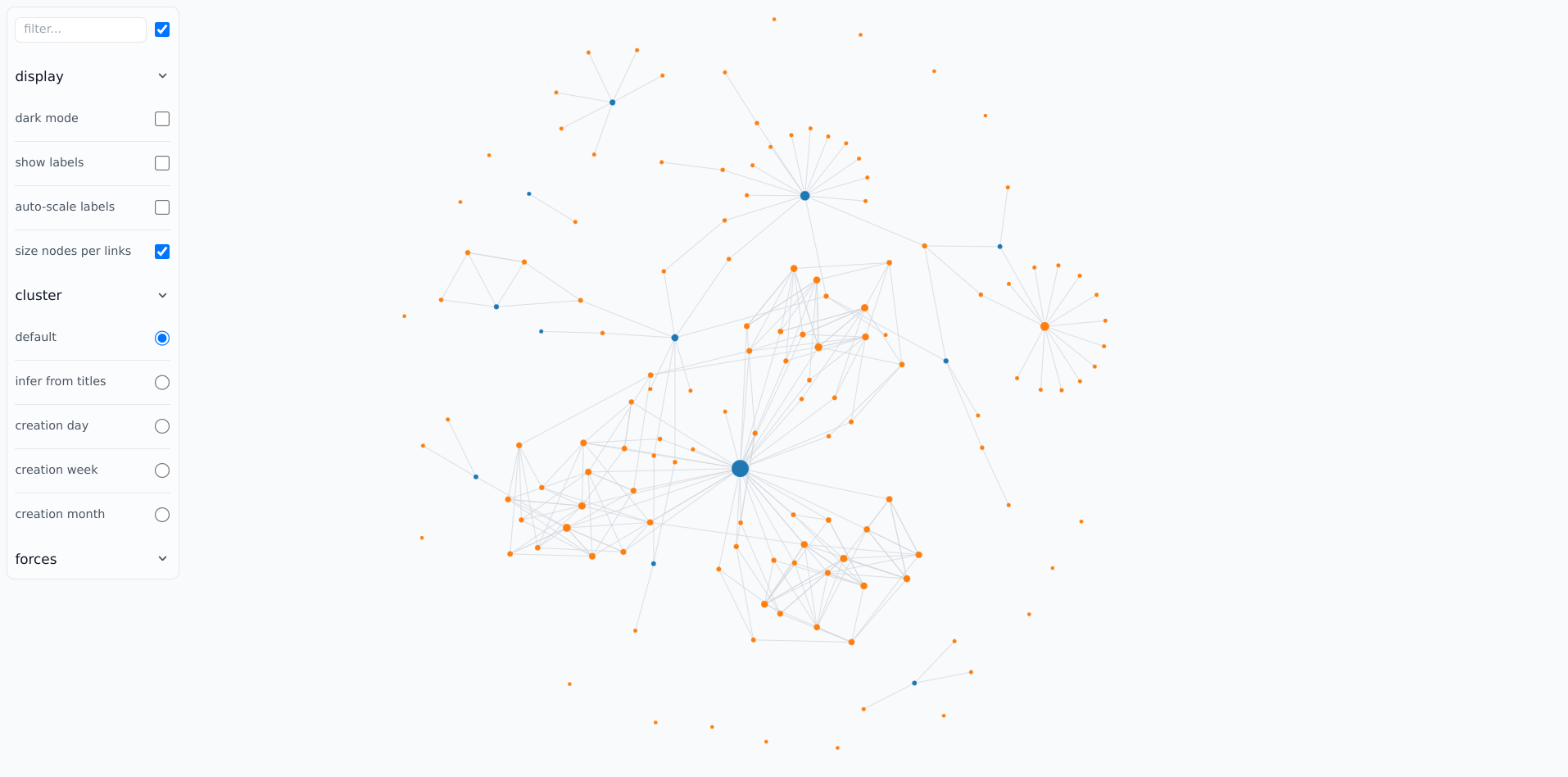
*Graph: display all notes and their links in a force graph view*
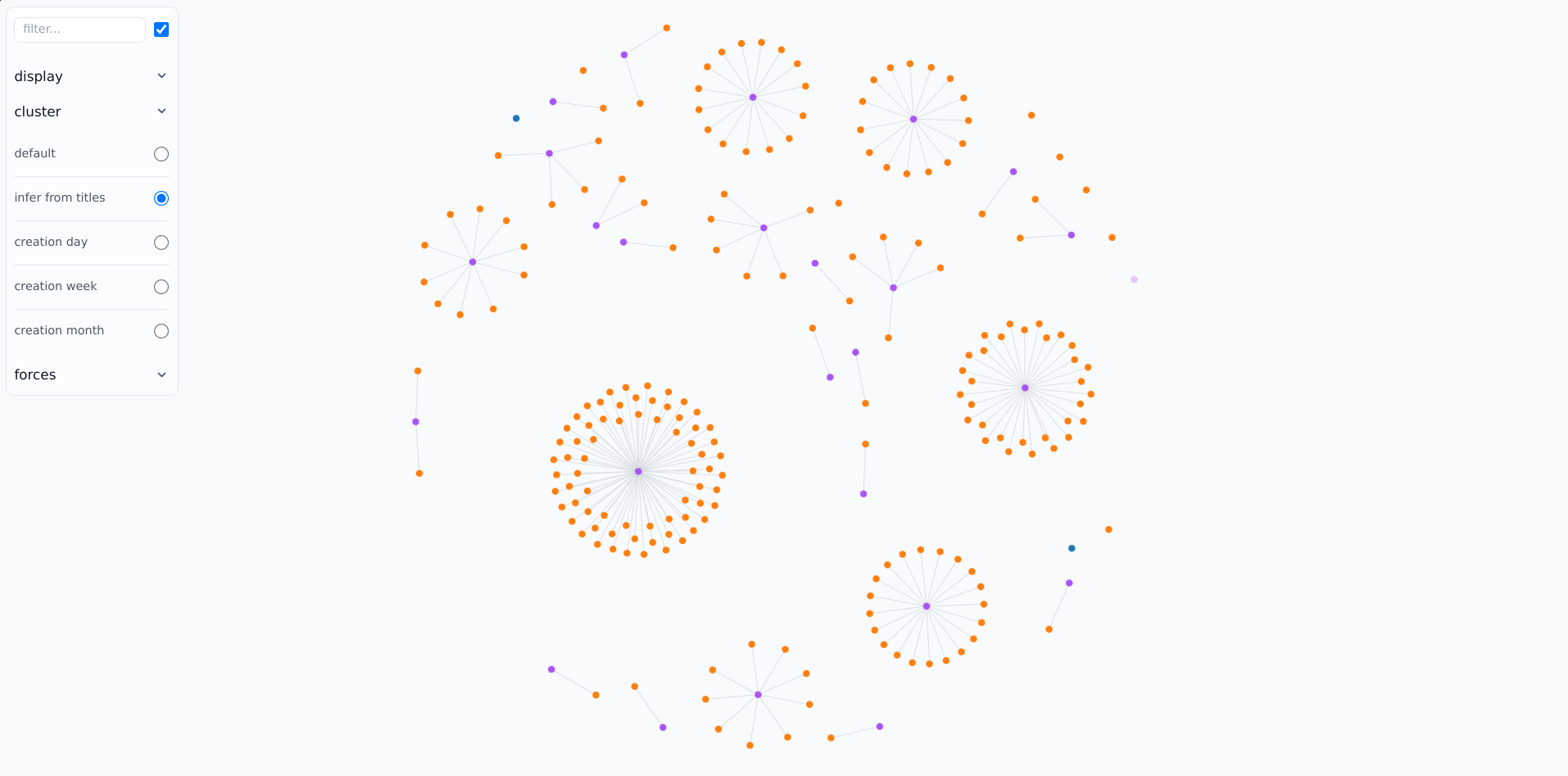
*Graph: cluster notes based on their titles instead of links*
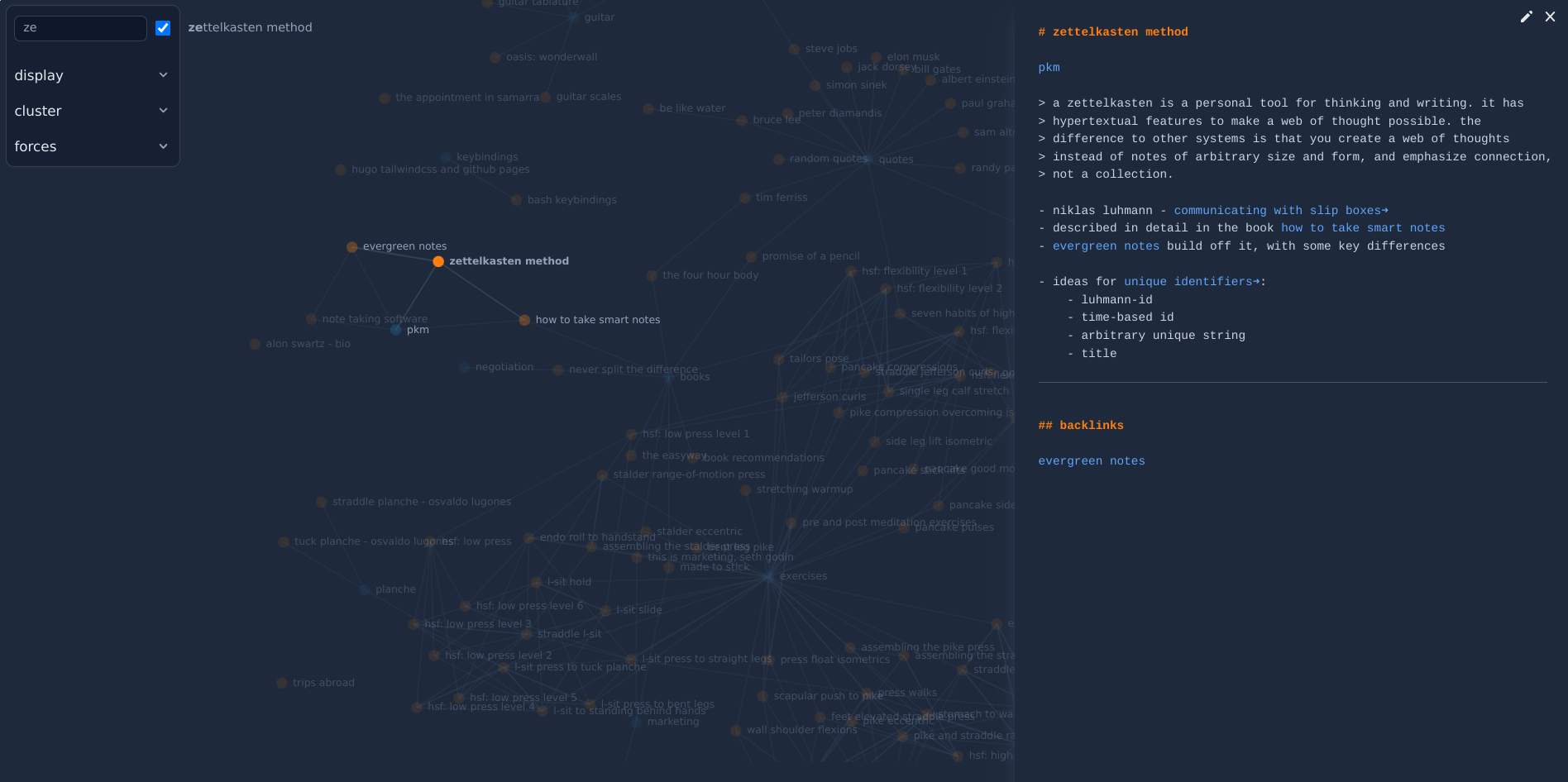
*Graph: filter notes with emphasized matches. preview note content (dark mode)*
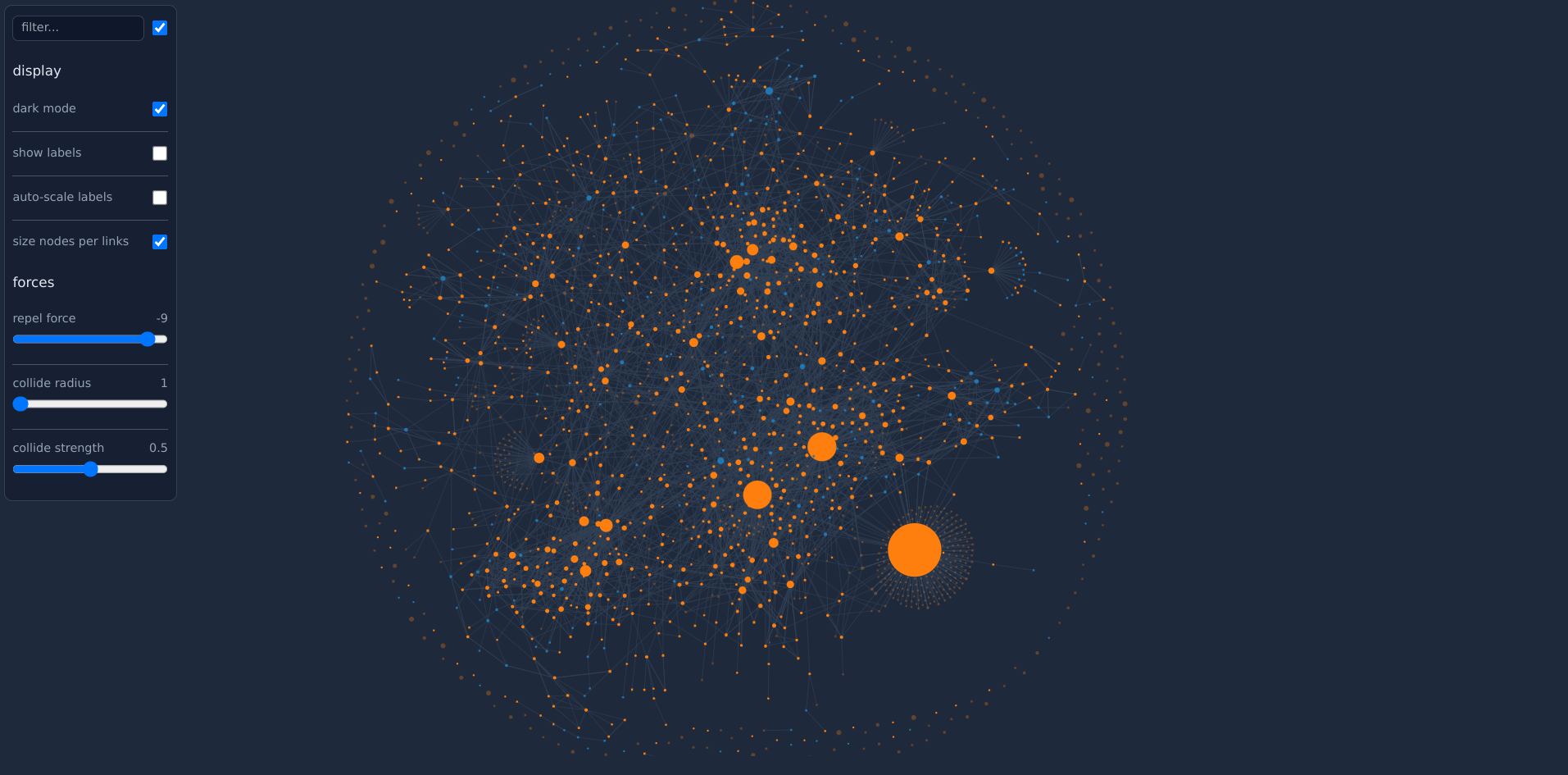
*Graph: zoomed out large note collection (dark mode)*
## Download
As of version 0.5.3, the `web/graph` is no longer embedded in the
release binary, so it needs to be downloaded separately and vendor/css
files *handled* (depending on your preference).
**Offline usage**
Download vendor files and compile CSS (assumes Linux and [tailwindcss standalone-cli](https://tailwindcss.com/blog/standalone-cli)).
```bash
git clone https://github.com/alonswartz/notesium.git
cd notesium
./web/graph/make.sh all
```
**CDN usage**
```bash
git clone https://github.com/alonswartz/notesium.git
cd notesium
$EDITOR web/graph/index.html
```
```diff
Notesium Graph
-
-
-
```
## CLI
```bash
notesium --webroot=/path/to/notesium/web/graph --stop-on-idle --open-browser
```
## Vim
```vim
command! -bang NotesiumGraph
\ let webroot = "/path/to/notesium/web/graph" |
\ let options = "--webroot=".webroot." --stop-on-idle --open-browser" |
\ execute ":silent !nohup notesium web ".options." > /dev/null 2>&1 &"
nnoremap ng :NotesiumGraph
```